How to Track Habits in Google Sheets (Without Typing on Your Phone)
Habit tracker Google Sheets setup: a checkbox grid, a month score and a phone shortcut in four steps, plus what one missed day does to your streak.
By Ultimate Habit Tracker by Cosmo Suite · Editorial policy
Published · 8 min read
You build a habit tracker in Google Sheets on a laptop and it looks great. Then you try it on your phone at 10 p.m., where every check-off means pinching, zooming and typing into a small cell, and by Thursday you have stopped opening it.
The short answer: a habit tracker in Google Sheets works on a phone when every day is a checkbox you tap, not a cell you type in. Add one COUNTIF formula for the monthly score, a rule that pauses your streak on a single miss, and a shortcut on your home screen. This guide builds that in four steps, and shows when a ready-made habit tracker spreadsheet saves you the evening.
What a Missed Day Does to a Google Sheets Tracker
A missed day should leave one empty box and nothing more, although many DIY sheets do far more, because a simple streak formula resets to zero on the first gap. For example, a reader who checks off a walk for 25 days and then misses one sees the counter fall from 25 to 0, even though 25 of the last 26 days were done.
Research does not support that unnecessarily harsh rule. Phillippa Lally and colleagues at University College London asked 96 undergraduates to repeat a new behavior once a day for 84 days. The British Psychological Society's Research Digest reports that a single missed day had little impact on later automaticity gains. The average time to reach peak automaticity was 66 days, and individuals ranged from 18 days to a predicted 254.
So the sheet should score the month and not only the streak. A streak is the count of days in a row, whereas a monthly score is the share of boxes you checked, and it barely changes after a single missed day.
Habit Tracking in Google Sheets at a Glance
Four ways of tracking habits in Sheets cover almost every sheet you will find. They differ most in how much you type each day and in what happens after a miss.
| Method | Daily effort on a phone | What a missed day does | Best for |
|---|---|---|---|
| Type an "x" in each cell | Select the cell, open the keyboard, type | Nothing, unless you add formulas | People on a laptop all day |
| Checkbox grid | One tap per habit | Empty box; you choose the streak rule | Phone-first check-off |
| Dropdown per cell | Two taps per habit | Same as the checkbox grid | People who want more than yes or no |
| Ready-made sheet | One tap per habit | Rule already built in | People who would rather not build it |
The checkbox grid is the best fit, and it also carries over to Excel for Microsoft 365, which has in-cell checkboxes too. Google's own help page says checkboxes "work well for tracking a project, taking attendance, and checking off your to-do list", and they work with functions and filters, per Google's checkbox guide. That makes the habit grid a natural use.
Build the Checkbox Grid in Four Steps
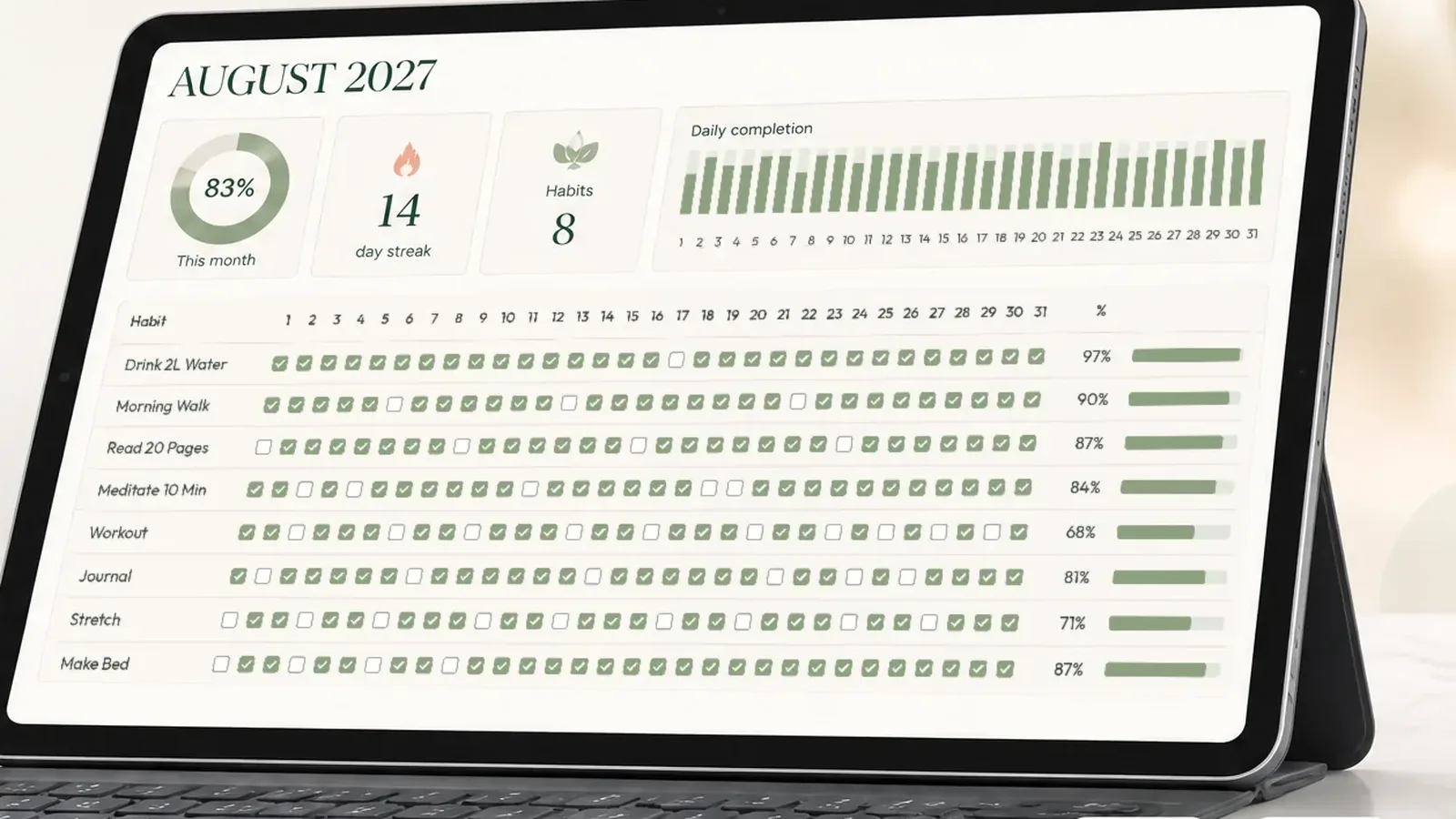
The grid takes about 20 minutes to build. The steps below are the short version, and the full habit tracker spreadsheet guide covers the layout, a date row and the streak formulas in more detail.
- Lay out the grid. Put your habits in A2 to A6 and the days of the month in B1 across to AF1. Select B2:AF6, then choose Insert, then Checkbox. Every cell now holds a box that is FALSE when empty and TRUE when checked.
- Count the days. In AG2, enter
=COUNTIF(B2:AF2, TRUE)and fill it down. COUNTIF is the Google Sheets function that counts the cells in a range matching one condition, as Google's COUNTIF reference describes it, so this gives you the days done per habit. - Score the month. In one cell, enter
=COUNTIF(B2:AF6, TRUE) / (ROWS(B2:AF6) * COLUMNS(B2:AF6)). Format it as a percent. For a 30-day month, hide or delete column AF first so the count is fair. - Color the checked days. Select B2:AF6, choose Format, then Conditional formatting, pick Custom formula is, and enter
=B2=TRUE. Choose a fill color. A colored month is considerably easier to interpret than a page of TRUE and FALSE values.
Then use View, Freeze, and freeze one row and one column so the habit names stay on screen when you scroll sideways on a phone.
Checkboxes also let you change what a box stores. Under Data, then Data validation, Google lets you set custom cell values for the checked and unchecked states, which helps if you later want to feed the grid into another formula. For a simple tracker the default TRUE and FALSE is enough, and it keeps the COUNTIF formulas above working without changes.
Three Ways a Google Sheets Tracker Goes Wrong
Most abandoned sheets fail in one of three small ways, and each of them has a correction that takes about a minute once you know where to look.
The range stops one row short. You add a sixth habit in row 7, but the month formula still reads B2:AF6, so the new habit never counts. Insert new habits between existing rows, not below the last one, and the range grows with them.
The grid is too wide to use. Thirty-one columns do not comfortably fit on a phone screen, so freeze the habit names, as above, and keep the font large enough to tap comfortably. If the month still feels cramped, put one week per screen by grouping columns with View, then Group.
Next month starts from a blank page. Copy the whole tab with Right-click, then Duplicate, clear the boxes and change the first date. Keep each month on its own separate tab, so a difficult October never affects the November score.
One Month on a Phone: 150 Taps
Check-off effort adds up over a month, which is why it is worth counting the taps before you decide on a layout that you intend to keep using. With five habits and 30 days, the grid holds 5 × 30 = 150 boxes. At one tap per box, that is 150 taps a month, or 5 a day.
We have not timed this on a device, so treat the count as arithmetic and not as a test result. What it shows is the floor: a typed "x" needs at least the same tap to select the cell, plus the keyboard opening and closing, so a checkbox can only be cheaper. Three habits would be 90 taps a month.
Opening the file is the hard part of that number, not the habit itself. Every extra step between your thumb and the first box lowers the chance that you do it at all, which is why the tap count and the shortcut matter more than the color scheme.
Two small choices make it easier to start. First, open the sheet from a shortcut: in your phone's browser, use the Add to Home Screen option in the share or browser menu, because the exact menu name varies by phone and app version. Second, fill in yesterday's boxes when you forget, which is honest as long as you did the habit.
One Month, Scored Both Ways
[Original data] Here is a sample 30-day month with five habits and eight empty boxes. These are example check-offs, not a real person's data. The percentages come from applying the formulas to those check-offs by hand.
| Habit | Missed days | Days checked (of 30) | Classic streak on day 30 | Never-miss-twice streak on day 30 |
|---|---|---|---|---|
| Walk 20 minutes | 6, 17, 18 | 27 | 12 | 12 |
| Read 10 pages | 9, 23 | 28 | 7 | 28 |
| Drink water | 14 | 29 | 16 | 29 |
| Phone off by 10 p.m. | 6, 7 | 28 | 23 | 23 |
| Stretch | none | 30 | 30 | 30 |
| All habits | 8 missed | 142 of 150 | 95% |
[Unique insight] The classic streak punishes a good habit for one slip. Reading was checked on 28 of 30 days, yet a classic streak shows 7, which feels like starting everything over again. A never-miss-twice rule pauses on a single miss, so reading stays at 28. Only two misses in a row end a streak: walking on days 17 and 18, and phone-off on days 6 and 7. The monthly score of 95 percent gives a more accurate picture, and it is the number that survives an unusually bad week.
What Keeps You Coming Back After Week 3
The sheet matters less than three small routines around it, and each takes under a minute a day once the file is set up.
Record it where you can see it. Harkin and colleagues pooled 138 experiments with 19,951 participants and found that monitoring goal progress helped people reach their goals (d+ = 0.40). The effect was larger when progress was physically recorded, according to the meta-analysis in Psychological Bulletin. A checkbox grid that you can see at a glance is a record of that kind. A monthly tab with the score on top makes it plain.
Keep the list short. Start with three habits, for example a walk, ten pages of reading and a glass of water. The seven-point checklist for choosing a template explains why a short list lasts longer. Many people who quit trackers say they began with too many habits at once, and even five rows on a phone already mean five taps every single evening before you can close the app.
Check off at the same moment each day. Right after dinner is one choice, and if you forget, you can back-fill the day when you remember, because the goal is to open the file and not to be perfect about it.
Why Trust This Article
We are the Cosmo Suite team that makes the Ultimate Habit Tracker, so we are not neutral; read about us and our editorial policy. The monthly table applies hand-calculated formulas to sample check-offs. The 150-tap figure is arithmetic and was not timed on a phone. The habit research comes from the BPS summary of Lally et al. and the Harkin meta-analysis. Google's help pages were checked on 8 October 2026. Check the menu names in your own app before you build.
Where the Ultimate Habit Tracker Fits
Building the grid takes an evening, and keeping the streak rule, the year view and the colors working takes longer, and that is the part most DIY sheets quietly drop after a few weeks.
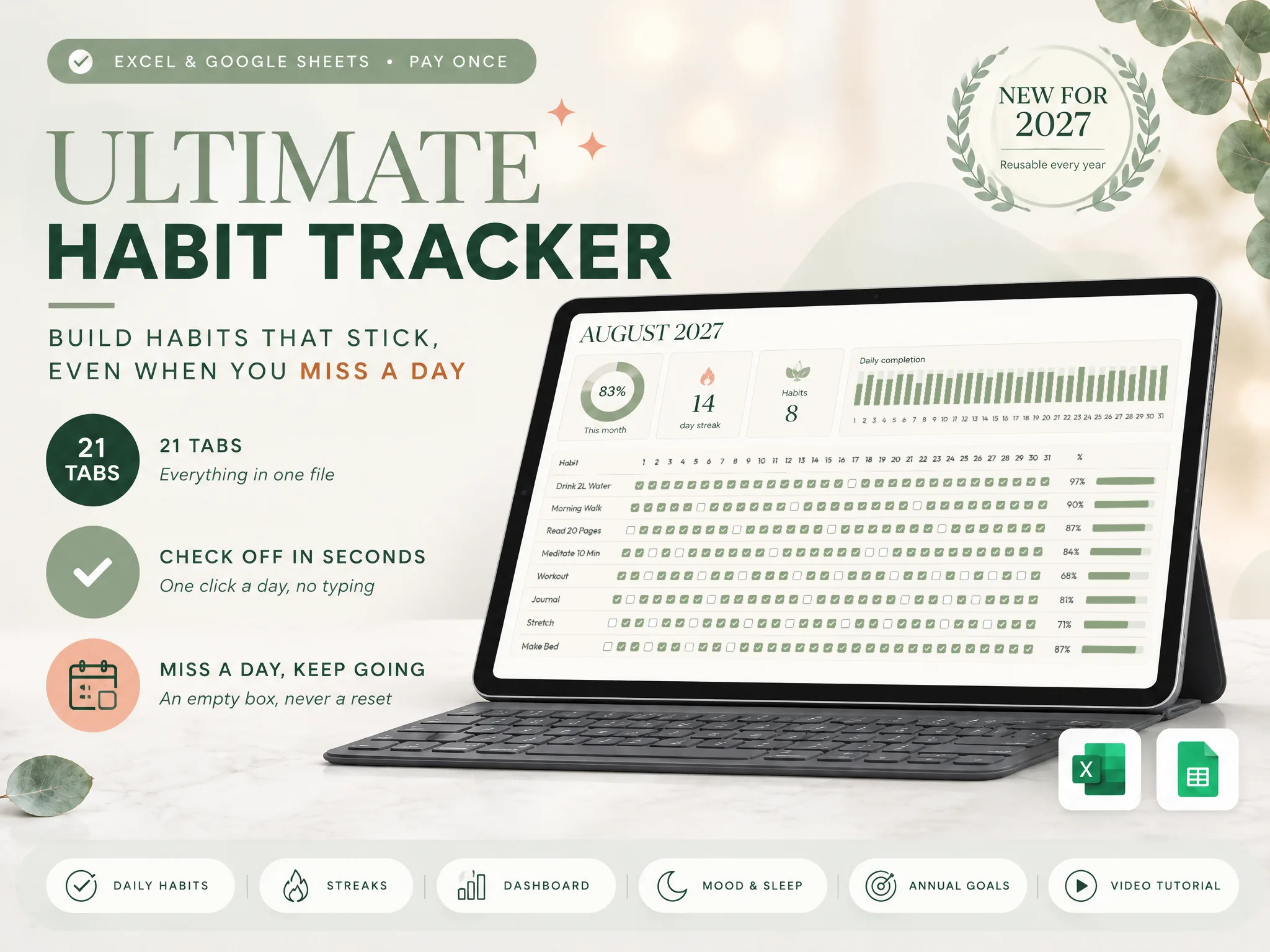
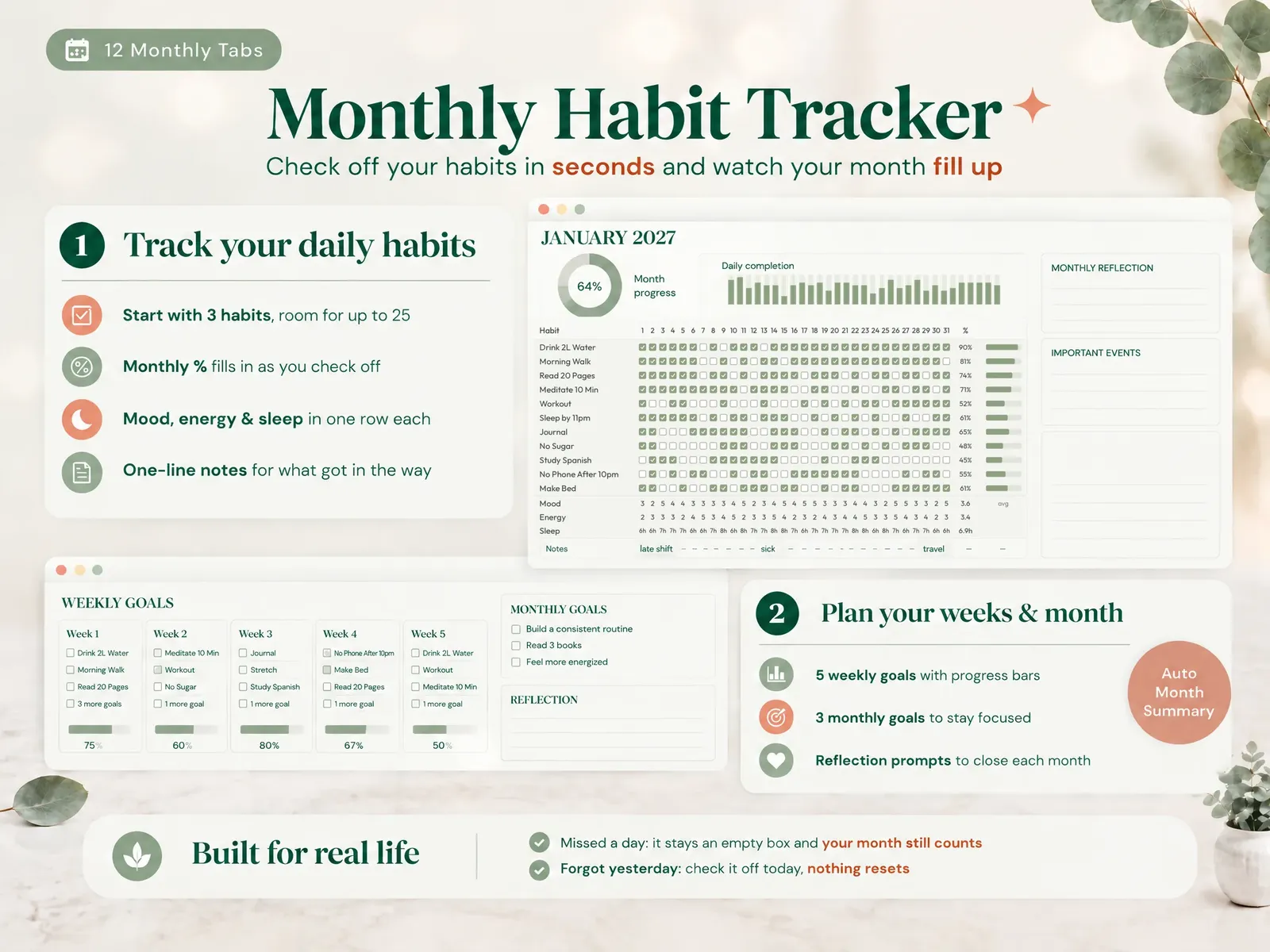
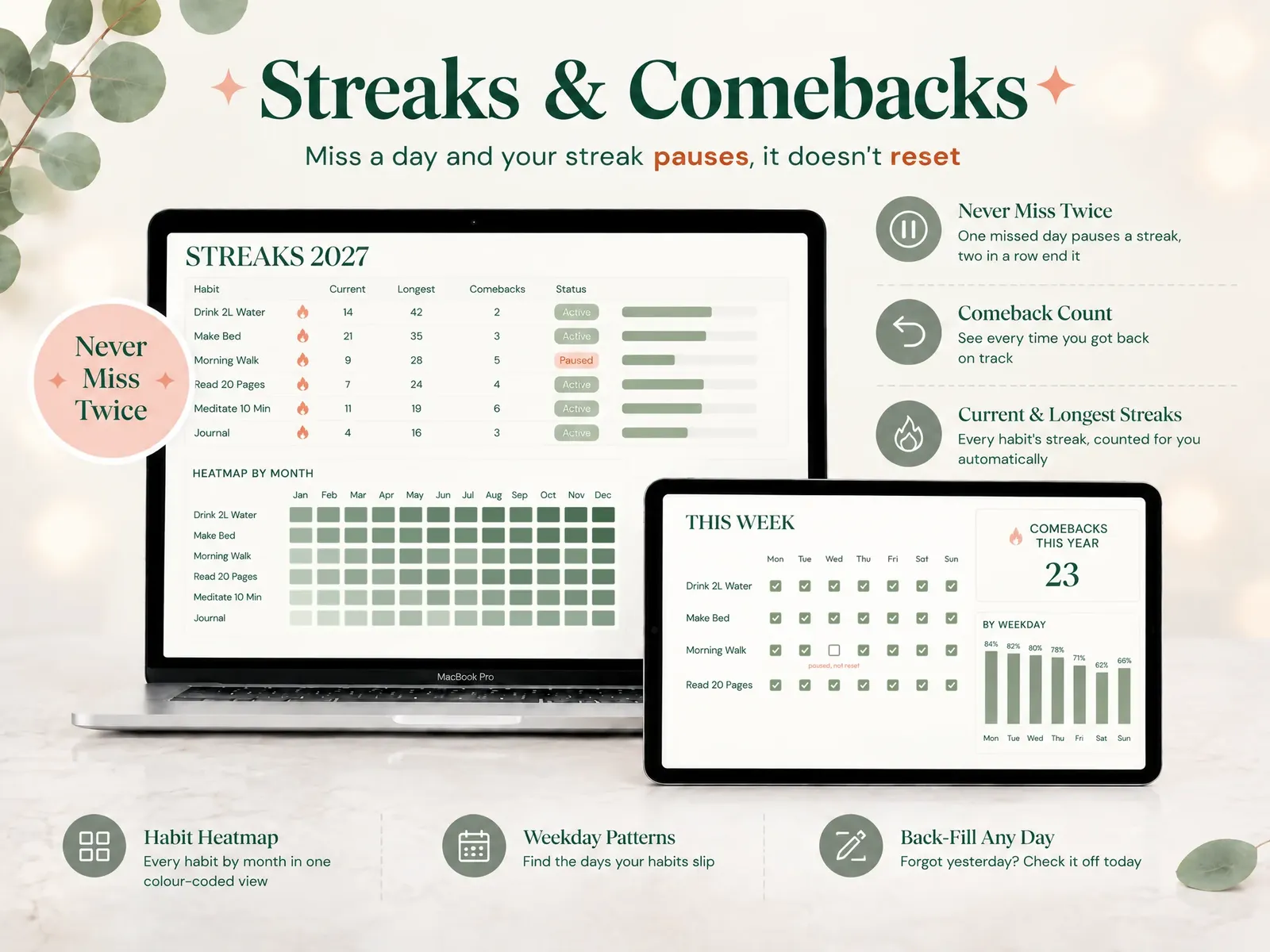
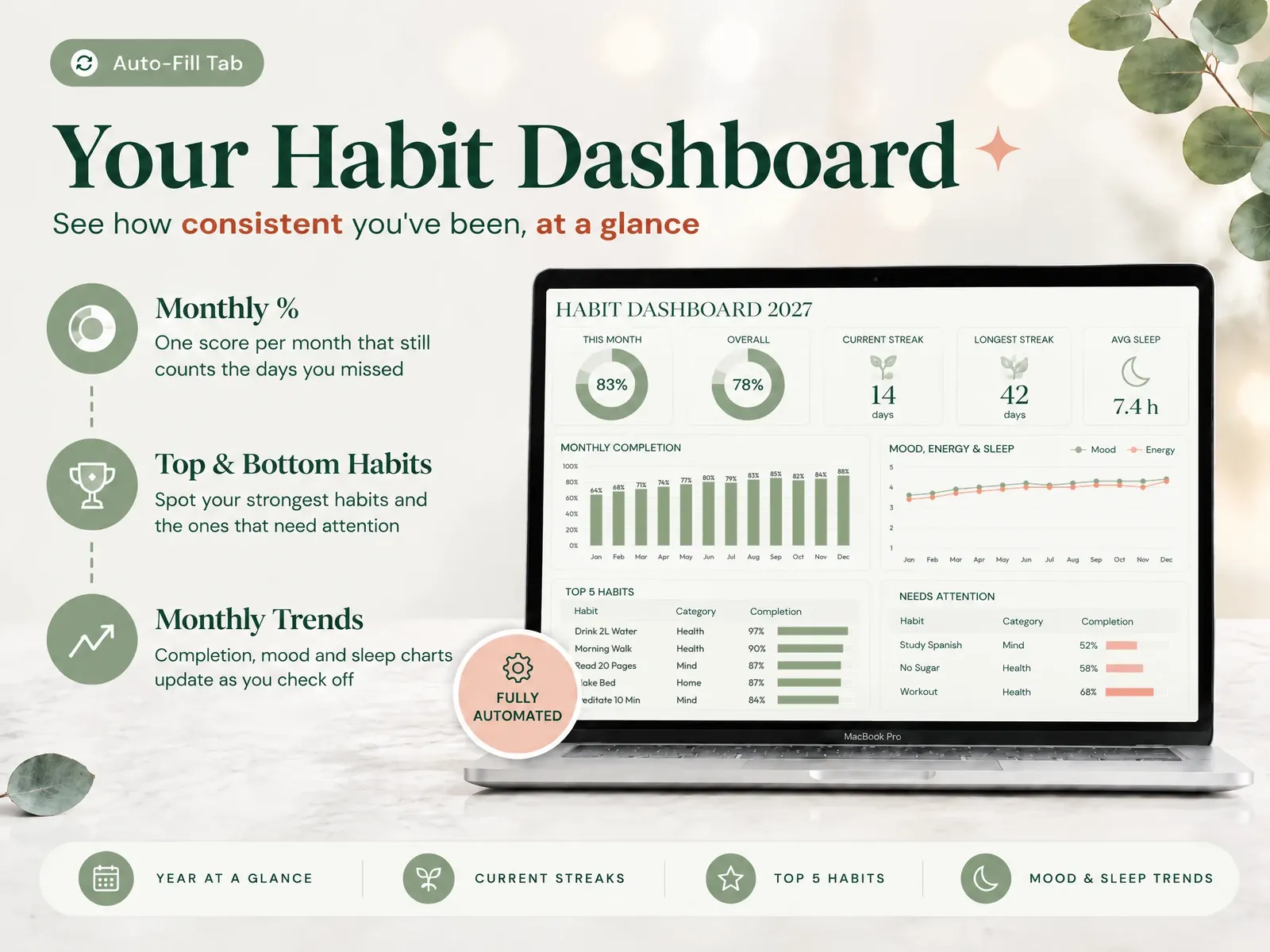
The Ultimate Habit Tracker (ultimatehabittracker.site) is that sheet, already built for you, and the Google Sheets copy is included with the Excel file. It has 21 tabs in 4 sections and a monthly grid for up to 25 habits. You check off a habit with one tap on a checkbox. A missed day pauses your streak instead of resetting it, a forgotten day can be filled in later, and comebacks are counted. A dashboard summarizes the month, and a year in review is generated automatically.
It does not send reminders, by design, so you open it when you are ready to check off your day. You pay $9 once, with no account and no subscription, and the file stays yours to reuse every year. See every tab in this habit tracker for Google Sheets and Excel before you decide.
Frequently asked questions
Can I use a habit tracker in Google Sheets on my phone?
Yes. The Google Sheets app for Android and iPhone shows checkboxes you can tap, so a checkbox grid works without typing. Plan the layout on a computer, then do the daily check-off on your phone. Cells that need typed text, such as notes, are slower on a small screen, so keep them to a minimum.
How do I count checked boxes in Google Sheets?
Use COUNTIF with TRUE as the condition. For example, =COUNTIF(B2:AF2, TRUE) counts the days you checked off in row 2. A checked box holds TRUE and an empty one holds FALSE. Google's COUNTIF reference explains the function in more detail.
Is there a free habit tracker for Google Sheets?
Yes. Many free templates exist and you can build your own in an evening with a checkbox grid and one formula. The trade-off is usually the missed-day rule and the year view, which you add yourself. A paid sheet saves that setup time.
What happens to my streak if I miss one day?
It depends on the formula. A classic streak formula resets to zero. A never-miss-twice rule pauses the streak on one miss and ends it only after two in a row. Research on habit formation found that a single missed day had little impact on later progress.
How many habits should I put in the sheet?
Three. Three rows take seconds to check off, which keeps you opening the file. Add a fourth habit only when the first three happen with little thought. A sheet can hold many more rows, but the number you will actually check off every day is the one that counts.
Can I use the same sheet in Excel?
Mostly. COUNTIF and plain checkbox columns work in both, and Excel for Microsoft 365 has in-cell checkboxes. Older Excel versions do not, so test the file in the version you have. The Ultimate Habit Tracker includes both an Excel file and a Google Sheets copy.
Sources
- Microsoft Support: Using check boxes in Excel
- Google Docs Editors Help: Add & use checkboxes
- Google Docs Editors Help: COUNTIF
- BPS Research Digest: How long does it take to form a habit? (on Lally et al., 2010)
- Harkin et al. (2016), Does Monitoring Goal Progress Promote Goal Attainment? A Meta-Analysis of the Experimental Evidence, Psychological Bulletin
Keep reading
Habit Tracking
Habit Tracker Spreadsheet: How to Build One That Survives a Missed Day
Set up a habit tracker spreadsheet in Excel or Google Sheets that keeps counting after a missed day: the layout, formulas, streak rule and what to track.
· 9 min read
Habit Tracking
Habit Tracker Templates That Survive Week 3 (Matched to How You Track)
Habit tracker template checklist: 7 things a template needs to last past week 3, the formats compared on a missed day, and whether free or paid fits you.
· 8 min read